
The Complete Digital Estate Planning Checklist (2027): Every Account, Document, and Detail Your Family Will Need
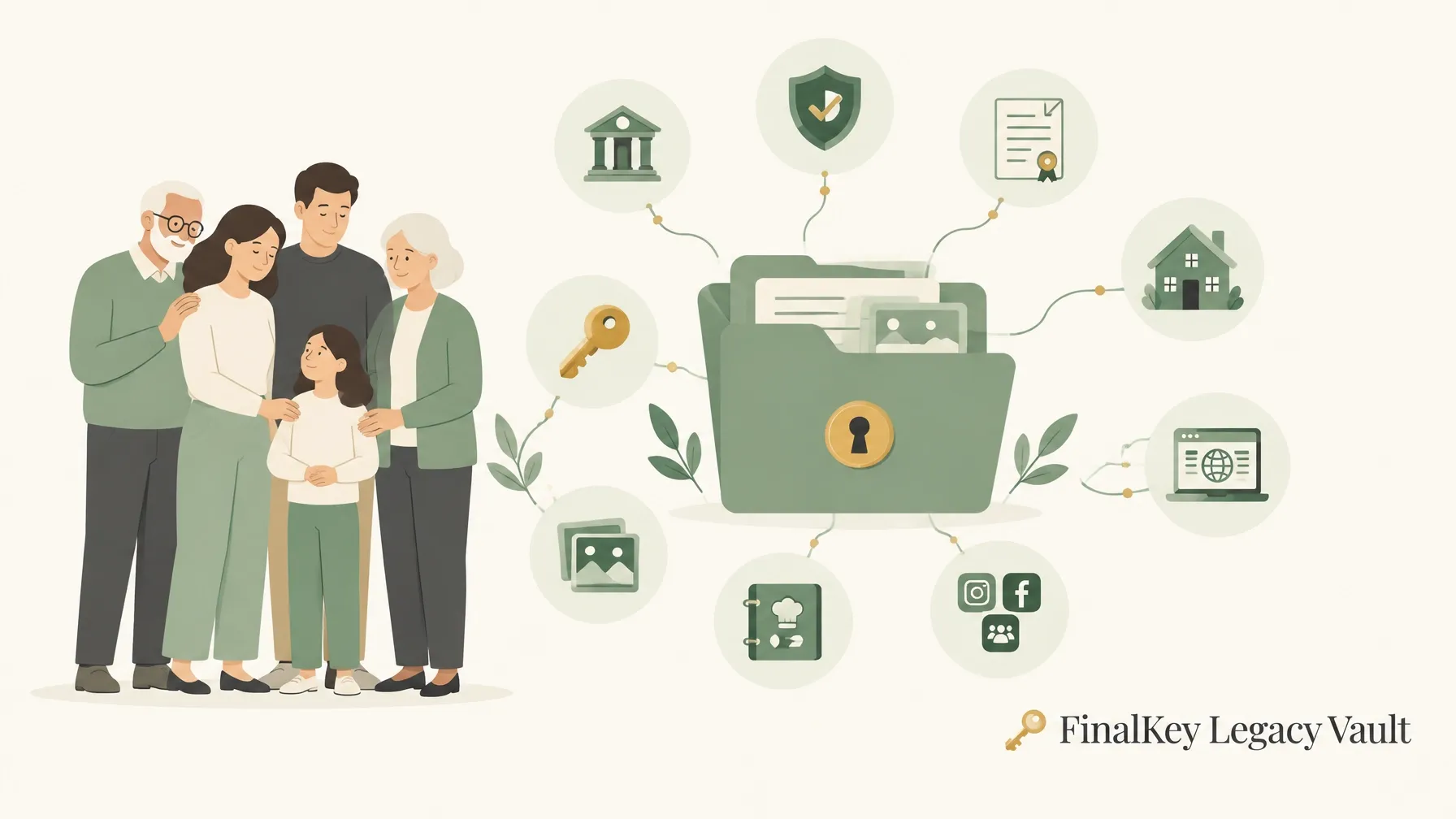
Your will may exist. Your family may still not know where to find the accounts, passwords, documents, and instructions they need. Paperwork can establish authority, but authority without findability leaves people stuck at the exact moment they need clear answers.
A bank account has a portal. An insurance policy has a beneficiary form. A phone may hold the key to your email. Your family needs a map connecting all of them. Your will says what you want; a well-organized vault helps your trusted people find what they need.
“Love leaves memories. Leave the map, too.”
What is a digital estate plan?
A digital estate plan is an organized record of your online accounts, important documents, instructions, and the people who may need to find them. It should tell your family what exists, where it lives, who may need it, and what to do next.
That is different from legal authority. Your will, trust, power of attorney, or other legal instrument may name or authorize someone to act, subject to applicable law and provider rules. A vault can help that person locate information. It does not grant legal authority.
Honesty matters: FinalKey Legacy Vault does not replace a will, trust, attorney, or financial professional, and it has no legal standing. Consult qualified professionals about your specific circumstances.
For a quick overview, read Looking For a Digital Estate Checklist? Here Are 10 Things You Should Know, then return to this full checklist.
The digital estate planning checklist: 13 categories to organize
For every account or item, record its name, provider, account identifier, current contact information, instructions, and the person who should handle it. Add a live link to the official login or portal so your trusted person can go directly to the right place. Keep credentials protected; don’t leave an unencrypted password list in an easily found file.
🕊️ Final Wishes & Arrangements
- Collect: funeral preferences, cemetery plot or prearrangement details, obituary instructions, memorial plans, and personal messages.
- Look: with funeral-home paperwork, cemetery records, personal notes, and relevant family documents.
- Who needs it: spouse, executor, or the person coordinating arrangements.
- Live link: add the funeral home, cemetery, or memorial provider’s official page when applicable.
🏥 Medical Directives
- Collect: living will, advance directive, DNR or POLST documents where relevant, healthcare proxy designation, and care instructions.
- Look: with your attorney, healthcare provider, patient portal, or advance-care-planning records. Make important directives accessible before death; your Medical POA or healthcare proxy may need them at a hospital.
- Who needs it: you, your Medical POA, and relevant care providers.
- Live link: add the provider or patient-portal link. Confirm your proxy knows where the current signed documents are kept.
🏦 Bank Accounts
- Collect: institution, account type, partial account number, branch or support contact, recurring payments, and any payable-on-death designation confirmation.
- Look: in statements, tax records, email alerts, and bank portals.
- Who needs it: spouse, Financial POA where legally authorized, and executor after death.
- Live link: link the bank’s official sign-in page. Note that account access and authority depend on law and the institution’s process.
🛡️ Insurance Accounts
- Collect: life, health, home, auto, disability, and long-term-care policies; policy numbers; agent contacts; claims instructions; and beneficiary-designation records.
- Look: in policy packets, employer benefits, email, and insurer portals.
- Who needs it: spouse, executor, and the person filing a claim.
- Live link: include each insurer’s claims or account portal. Beneficiary designations may control who receives an account or policy benefit, regardless of what a will says. Review them with a professional and keep confirmations. See the free Beneficiary Guide.
📈 Investments & Retirement
- Collect: 401(k), 403(b), IRA, Roth IRA, brokerage, pension, HSA, and annuity information; plan administrators; beneficiary forms; and claim steps.
- Look: in statements, workplace benefits, tax documents, and provider portals.
- Who needs it: spouse, Financial POA during its valid term and within its authority, and executor or successor as appropriate.
- Live link: add a direct link to each plan or investment portal. Check beneficiary designations separately; don’t assume the will updates them.
🔑 Passwords & Logins
- Collect: email, password-manager, device-recovery, and important account sign-in details; recovery email and phone; multifactor method; and instructions for account recovery.
- Look: in your browser’s saved-password area or password manager. Identify the central email account used for password resets; it may be the gateway to many others.
- Who needs it: only the trusted people authorized for the specific entries, under the release plan.
- Live link: add the official sign-in page for each account. Keep exported password files secure and remove temporary copies after importing.
⚖️ Legal Documents
- Collect: will, trust, deeds, powers of attorney, business agreements, tax records, and attorney or document-custodian contact details.
- Look: with your attorney, county recorder, financial institution, or secure document storage.
- Who needs it: executor, trustee, Financial POA, or Medical POA according to their role and applicable law.
- Live link: link the attorney, document custodian, or official record location, not just a file name.
🛒 Online Businesses
- Collect: Shopify or other store, payment processors, hosting, domains, DNS, business email, ad platforms, analytics, suppliers, and renewal or continuity instructions.
- Look: in business email, contracts, billing notices, and admin dashboards.
- Who needs it: business partner, successor, executor, or authorized operations lead.
- Live link: add the specific official admin portal. Record what must be renewed, transferred, paused, or protected first. The online business owner’s guide to digital succession planning covers continuity planning in more depth.
💳 Payment Portals
- Collect: mortgage and utility portals, credit cards, payment apps, subscriptions, recurring bills, and cancellation instructions.
- Look: in email receipts, bank and card statements, bills, and account dashboards.
- Who needs it: spouse, executor, or person managing household payments.
- Live link: link the billing or cancellation portal. Note payment dates and whether a service is essential.
🏠 Home Security
- Collect: smart locks, cameras, alarms, monitoring accounts, entry instructions, and support contacts. Include access arrangements for pet sitters and home care aides.
- Look: in device apps, installer documents, monitoring-service accounts, and household records.
- Who needs it: spouse, authorized caregiver, home-care aide, pet sitter, or executor, only as appropriate.
- Live link: add the official device or monitoring portal. Do not give broad access by default. Specify what each person may access and when.
📸 Photos & Stories
- Collect: important photo collections, captions, family stories, dates, and where original files or backups are stored.
- Look: in phones, cloud photo accounts, computers, external drives, and shared albums.
- Who needs it: family members or the person preserving family history.
- Live link: link the relevant photo or cloud-storage service. Explain which collections should be preserved or shared.
🍲 Recipes
- Collect: family recipes, notes about their history, substitutions, and the person who taught you to make them.
- Look: in recipe apps, notebooks, email, and family folders.
- Who needs it: family members you want to pass them on to.
- Live link: link a recipe service or shared folder if used. Add a short story; context is part of the inheritance.
📱 Social Media
- Collect: accounts and profile links, memorialization or closure preferences, legacy-contact settings, and creator or business-page instructions.
- Look: in your social profiles, account settings, and platform help pages.
- Who needs it: named legacy contact or family member, within each platform’s rules.
- Live link: add each official profile or help page. Don’t assume a family member can sign in or read private messages.
This is the full 13-category checklist. For a shorter family walkthrough, use 5 Steps to Create a Digital Estate Checklist (Easy Guide for Families). For account-access limits after death, see Digital Assets After Death Explained.
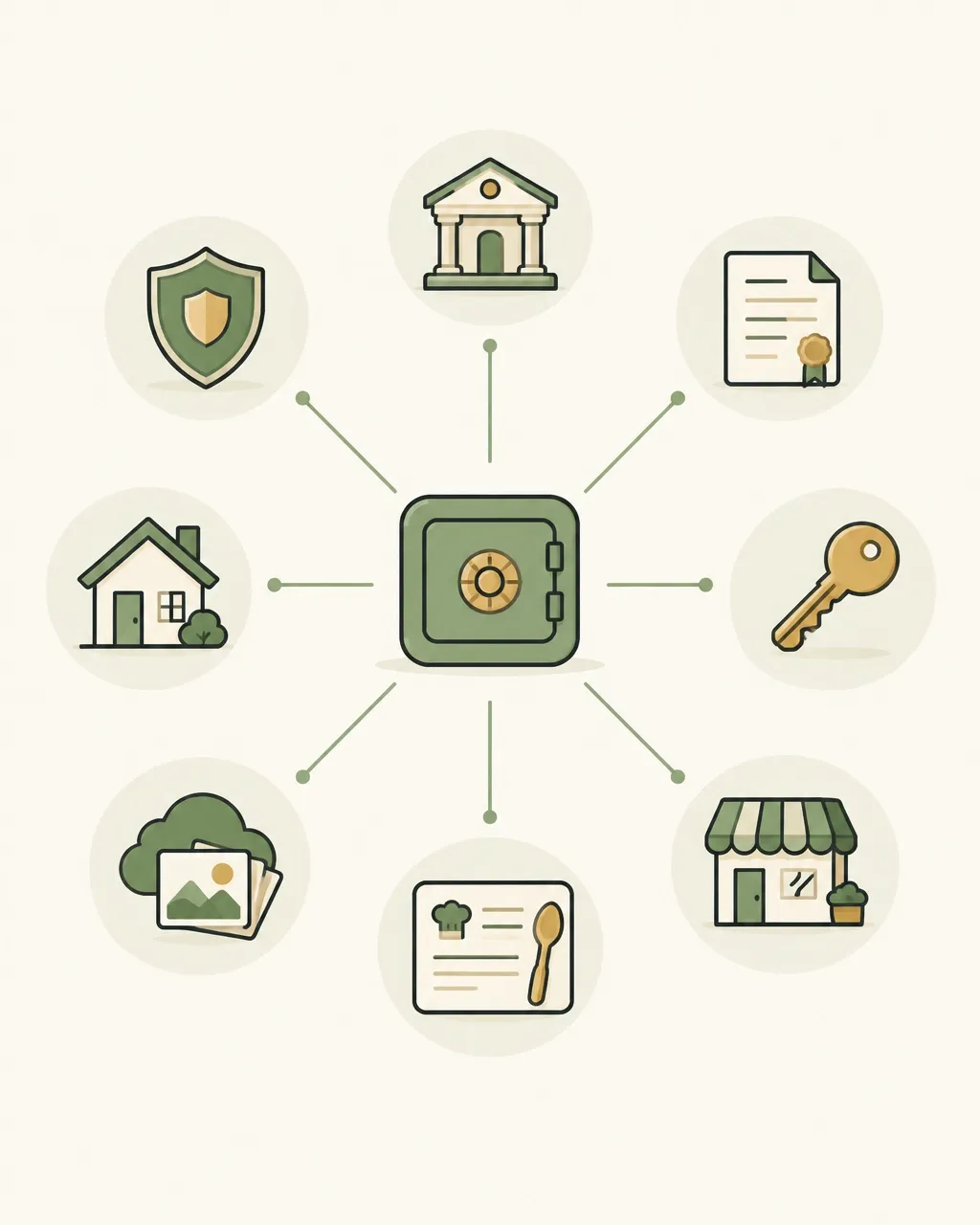
The trusted people layer: who needs what?
A common mistake is giving one person every key, or assuming one person is legally authorized to use them all. Assign a role, limit information to that role, and coordinate the plan with your legal documents.
| Trusted person | Likely information to locate | Important boundary |
|---|---|---|
| Spouse or partner | Household bills, insurance contacts, wishes, and selected family records | Access should match your instructions and applicable authority. |
| Executor or trustee | Will or trust location, financial records, insurance, and estate-related instructions | Appointment and powers depend on legal documents and law. |
| Financial POA | Financial account and bill information while the authority is effective | A power of attorney generally ends at death; confirm the rules with counsel. |
| Medical POA or healthcare proxy | Medical directives and care instructions needed during incapacity | Make these findable before death and available to appropriate care providers. |
| Adult children | Selected family history, arrangements, or specific tasks | Being family does not automatically mean access to every private account. |
Use role-scoped access: each person sees only what their role requires. A Medical POA should not automatically receive bank passwords. An executor may need estate records but not private family photos. The best plan is specific, reviewed, and understood by the people named in it.
For a deeper explanation of permissions, see Who Sees What, When: How Your FinalKey Vault Releases the Right Entries to the Right People.
Platform legacy tools: set them up, then record them
Provider tools help with their own ecosystem only. They do not replace your estate plan or create access to other accounts. Record whether each is configured, who is named, and where any access key or confirmation is stored.
- Apple Legacy Contact: Apple says the chosen contact needs an access key and death certificate to request access. The tool covers certain Apple Account data, not everything; for example, Apple excludes iCloud Keychain passwords and passkeys. Apple’s setup instructions.
- Google Inactive Account Manager: Choose an inactivity period, up to 10 contacts, and which data, if any, each may receive. Google explains how it works.
- Meta memorialization: Record your Facebook legacy-contact or deletion preference. A Facebook legacy contact can manage limited aspects of a memorialized main profile, but cannot log in or read messages. Features and account rules can differ across Meta services. Facebook legacy-contact details.
- Microsoft: Record your Microsoft account and desired disposition. Microsoft’s process is limited; it says a court order or subpoena may be required to consider releasing personal account contents, and a request does not guarantee access. Microsoft’s guidance for families.
Platform legacy setup checklist
- Apple: Legacy Contact configured? Access key stored securely where?
- Google: Inactive Account Manager configured? Which contacts and data?
- Meta: Memorialization or deletion preference recorded? Legacy contact named?
- Microsoft: Account, subscriptions, and desired disposition documented?
- Revisit these settings after major life or account changes.
For more on social accounts and digital memories, read What Happens to Your Social Media? A Guide to Legacy Contacts and Digital Memories.
Security during handover: verify carefully, release deliberately
A release request can be faked. A convincing deepfake, compromised email account, stolen ID, or social-engineering call can pressure a family member into handing over sensitive information. Ordinary document or video checks are not foolproof.
Use layered family verification for sensitive releases, including financial accounts, passwords, legal documents, home security, and medical directives:
- Require two independent verification signals. The signals must come from different categories and arrive through different channels. For example, confirmation from a pre-authorized contact plus a check from a verified device, not two emails to the same inbox.
- Consider one-time codes delivered through a separate channel and confirmation from a backup approver. Do not treat any single signal as conclusive.
- Apply a cooling-off period before sensitive access is released. Use the waiting period to check for errors, suspicious requests, or disagreement.
- Log each signal, approval, release, and change in a permanent audit trail.
- Never accept voice or video as identity proof for an heir release. Deepfakes can imitate them.
- For non-restricted sentimental entries, such as selected photos or stories, allow a single logged signal if that matches the owner’s instructions.
FinalKey Legacy Vault’s verification and sign-in authority systems are built in-house. FinalKey Legacy Vault has no data-sharing or app-linking integrations with third-party companies. An owner may optionally use an RFC-6238 TOTP authenticator as an additional sign-in safety measure; this is an owner-side option, not an heir identity check.
Heirs receive gated, read-only access scoped to their assigned entries. They do not receive the owner’s master password. For further context on risks and preparation, see Are Paper Password Lists Bad? and 7 Mistakes You’re Making with Your Succession Plan (and How to Fix Them).
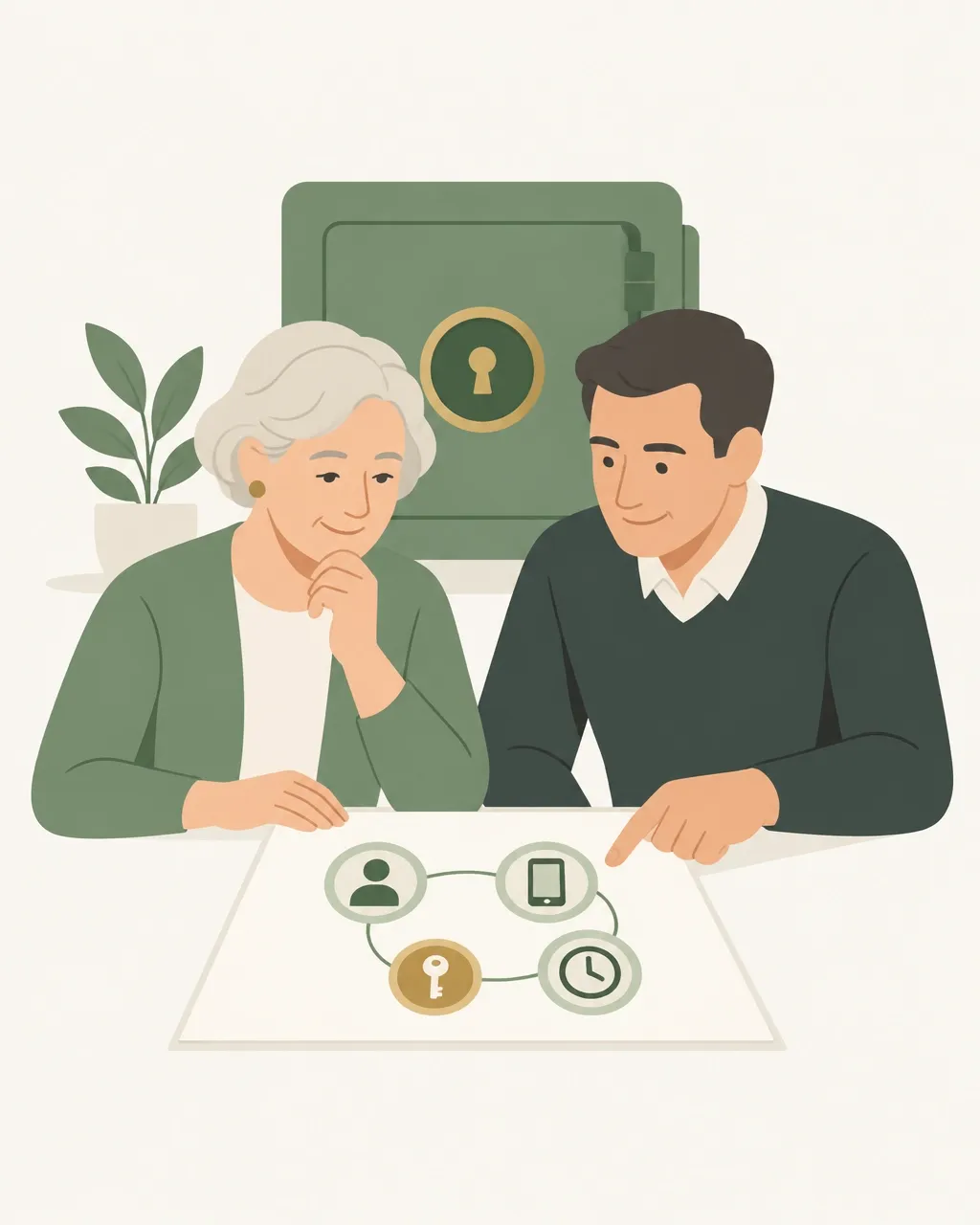
Build your estate checklist in stages
The worst plan is the one you keep postponing because it feels too large. Start with the accounts that could interrupt care, finances, or business operations.
A 10-minute first step
- Minutes 1–3: Write down your primary email, password manager, and the person you trust to find your instructions.
- Minutes 4–6: List your bank, insurance provider, retirement account, and home security service.
- Minutes 7–10: Locate your will and medical directives. Note who is responsible for each next step.
A practical setup sequence
- Start with high-consequence accounts. Add financial accounts, insurance, passwords, legal documents, medical directives, and home access.
- Discover what you may have forgotten. Review inbox messages for account notices and subscriptions. FinalKey Legacy Vault uses OAuth account discovery to identify and categorize accounts from your inbox.
- Import saved browser passwords. Use Password Finder with a CSV export from your browser. Review the entries, correct categories, import securely, and delete the temporary export.
- Add people and roles. Decide who needs each category and how sensitive releases should be verified.
- Add the personal layer. Preserve photos, stories, final wishes, and family recipes.
- Review at least annually and after a move, marriage, divorce, new child, business change, or major account update.
FinalKey Legacy Vault says its discovery and password-import tools can help organize a core setup in under 30 minutes. For a step-by-step introduction, see Your Will Says What You Want; A Well-Organized Vault Helps Your Trusted People Find What They Need. You can also read National Estate Planning Awareness Week for a broader planning perspective.
How FinalKey Legacy Vault fits
FinalKey Legacy Vault organizes information across 13 categories, with a Live Link on every entry to help your trusted people reach the relevant portal directly. It uses zero-knowledge AES-256-GCM encryption, with keys derived locally in the browser; the server never sees the master password. Heir access is gated, read-only, and scoped to each person’s assigned entries.
The price is $245 one-time plus $25 per year for secure hosting and monitoring. Consider it an investment in organization and clarity, not a replacement for legal planning or professional advice.
Frequently asked questions
Is a digital estate checklist a legal document?
No. It is an organizational tool. It can help your authorized representatives locate information, but it does not establish authority or override provider rules. Consult an attorney about legal documents and digital-asset provisions.
Do I still need a will?
Yes. A checklist or vault complements, but does not replace, a will, trust, power of attorney, or other appropriate legal documents. Keep them current and make sure your trusted people know where the signed documents are held.
Is FinalKey Legacy Vault just a password manager?
No. Passwords are one part of the plan. FinalKey Legacy Vault also organizes final wishes, medical directives, financial and insurance records, legal documents, online businesses, home security, photos, stories, recipes, and social media instructions.
What happens if I stop logging in?
Do not assume any inactivity setting will match your wishes or circumstances. Review the vault’s release settings, keep contact and verification details current, and understand how warnings, waiting periods, and approvals work before relying on them. Platform-specific inactivity tools, such as Google’s, are separate from FinalKey Legacy Vault.
What does FinalKey Legacy Vault cost?
The stated price is $245 one-time plus $25 per year for secure hosting and monitoring. Confirm current terms when you review the service.
How do heirs get access?
Access should follow your documented release instructions and layered family verification. Sensitive categories require two independent signals from different categories and channels, followed by a cooling-off period. Heirs receive only the entries assigned to them, not the master password. This process helps manage risk; it does not guarantee that every request is genuine.
Leave your family clarity
The paperwork may establish authority. A clear map helps your trusted people find the passwords, subscriptions, important documents, and instructions they need. The most important thing you leave behind isn’t money. It’s clarity.
FinalKey Legacy Vault’s Advisor Portal is free to sign up for — professionals can start their Advisor Portal and request a demo account, then recommend FinalKey Legacy Vault to the families they serve. For everyone else, the checklist above is the map; FinalKey Legacy Vault is the place to keep it.
Because Love Shouldn’t End With Unanswered Questions.
Love leaves memories. Leave the map, too.